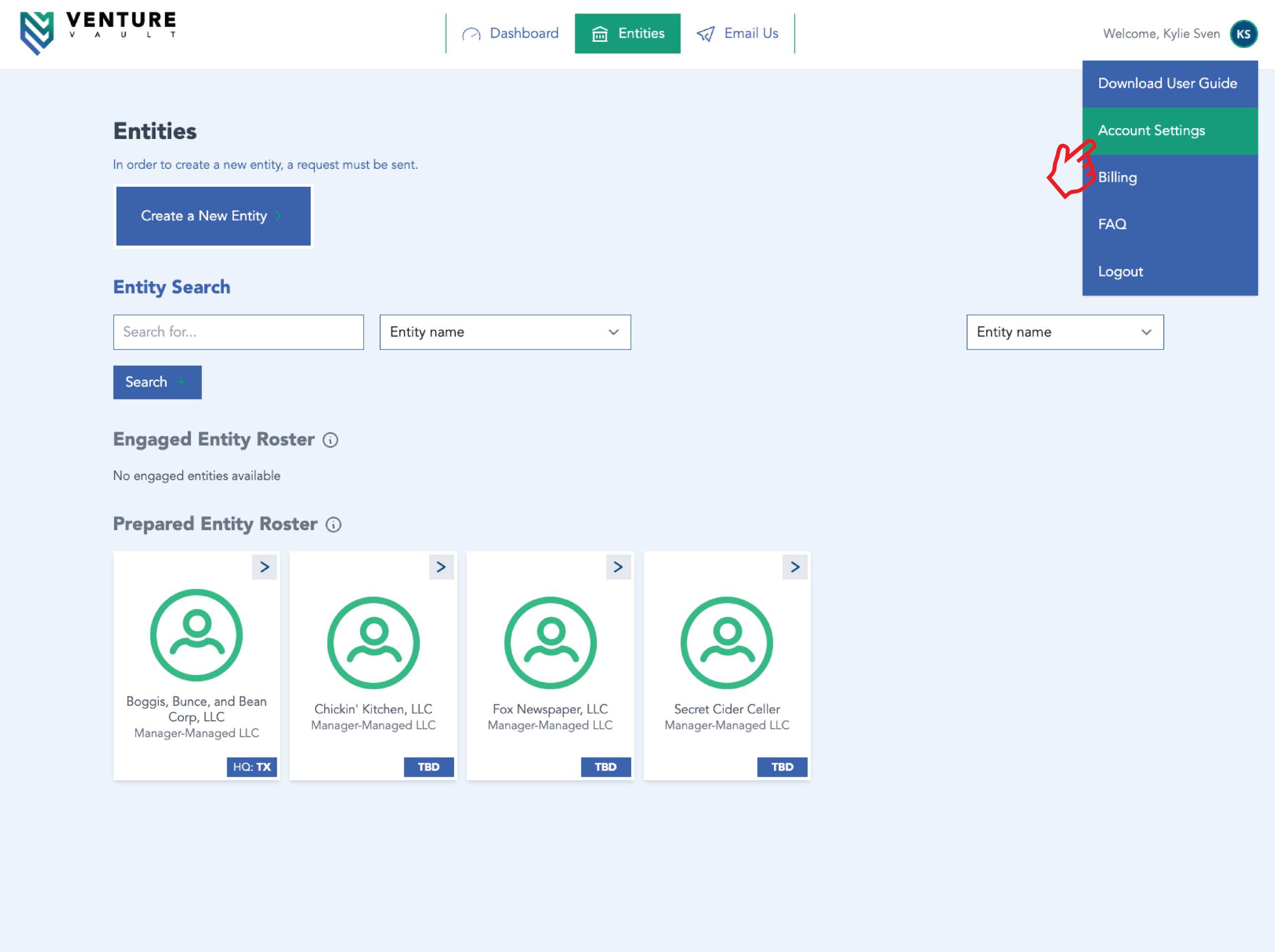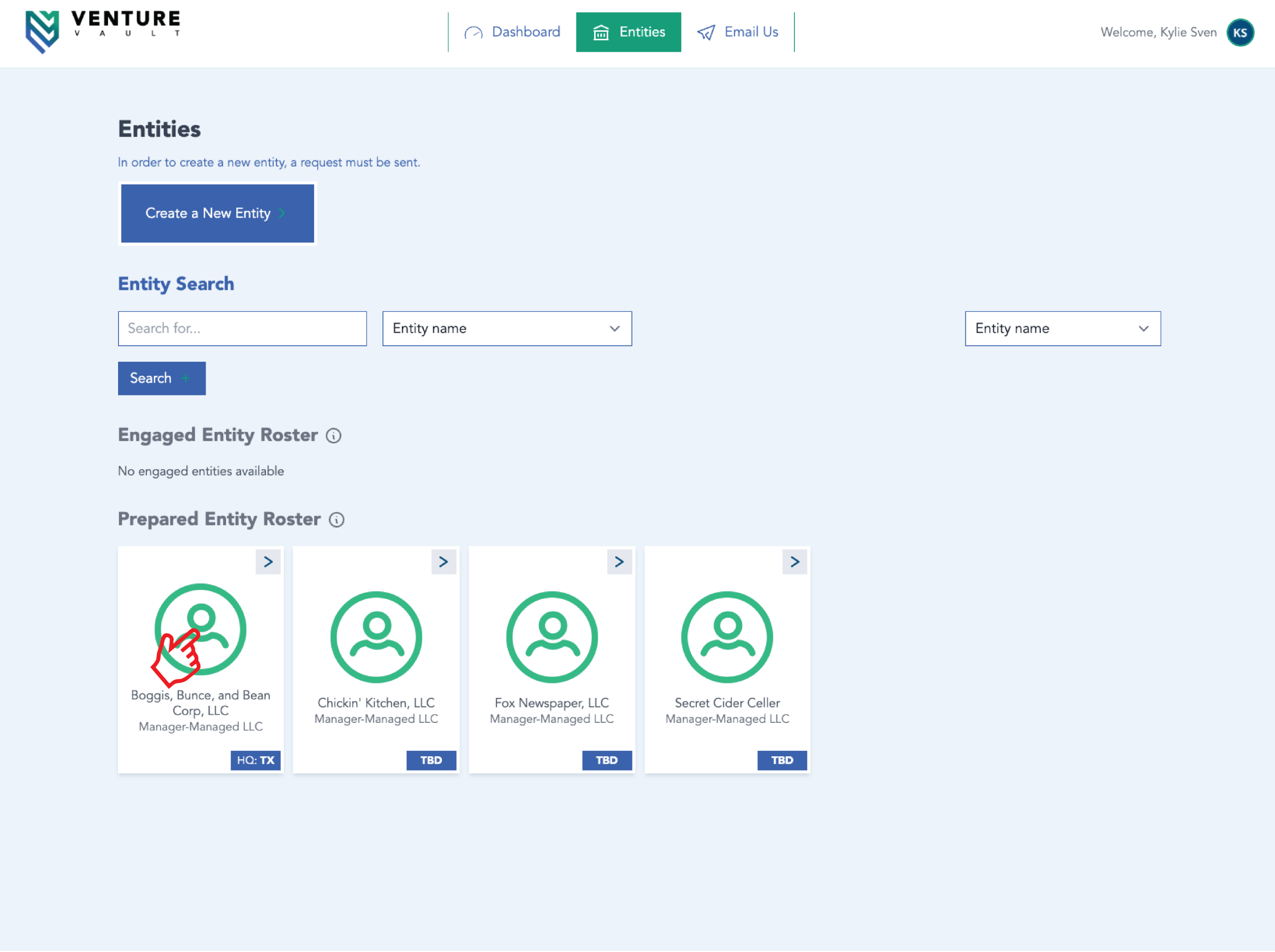
You may authorize additional users (e.g., CPA, partner, assistant) to access your entity.
Attorney and/or CPA Step-by-Step
- Log in
- Click “Entities”
- Click entity card of choice
- Click “Change Requests”
- Click “New Change Request”
- Add “Attorney Information” and/or “CPA Information”
- Click “Submit Change Request”
- Admin at Venture Vault will approve shortly
Representative Step-by-Step
- Log in
- Click “Entities”
- Click entity card of choice
- Click “Invite” under Entity Representatives
- Enter email address
- Click “Invite”
- User will receive invitation to create account (and then access entity)
Important
You are responsible for managing user access. Remove access when no longer needed. Related Articles- Managing Billing Information
- Uploading Documents