Did you know that you can add your business partners, representatives, lawyer, CPA, etc to your Venture Vault portal all under your own account?
Here’s a walk-through.
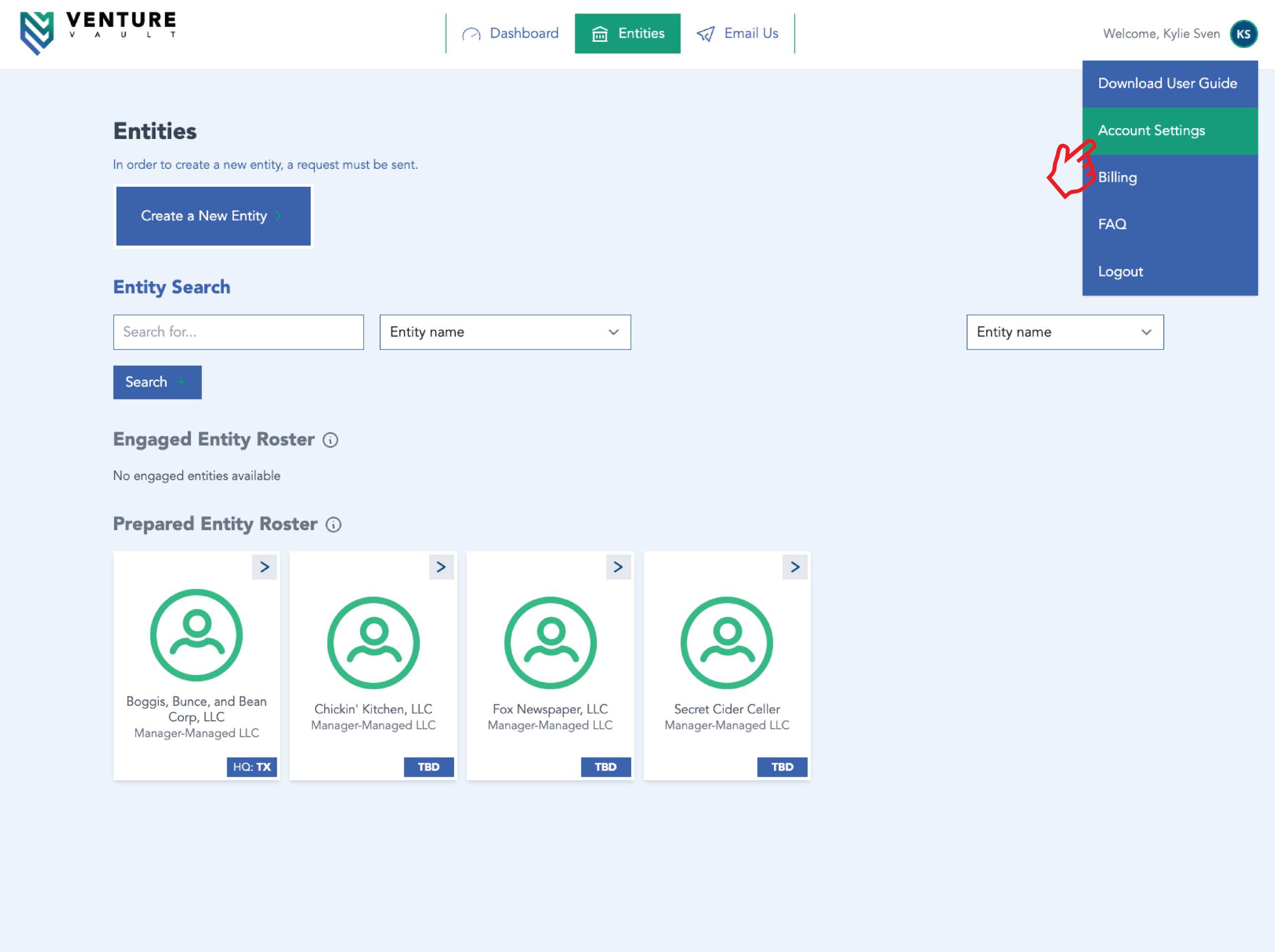
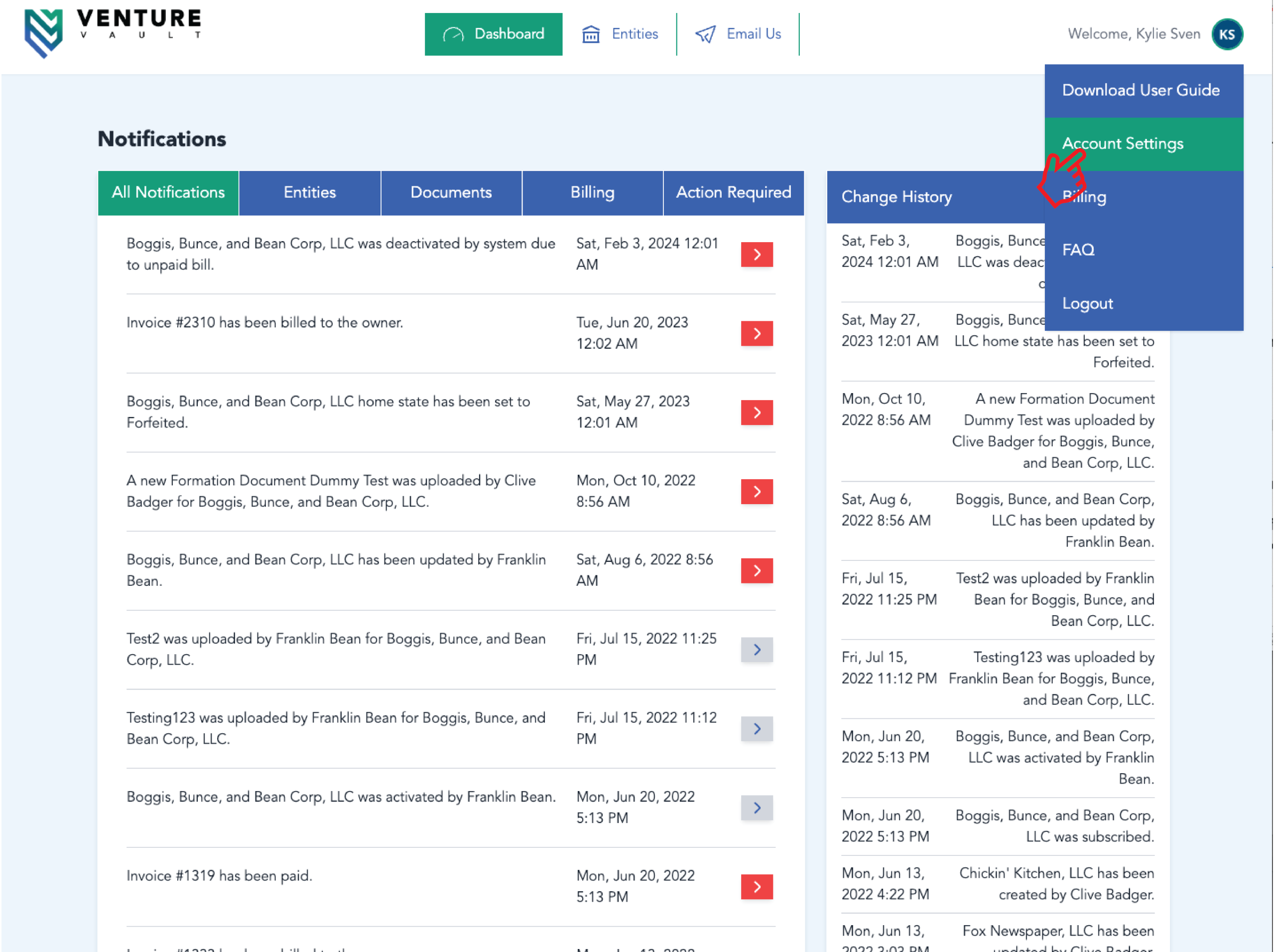
- Login to your Venture Vault portal and navigate to the “Entities” page.
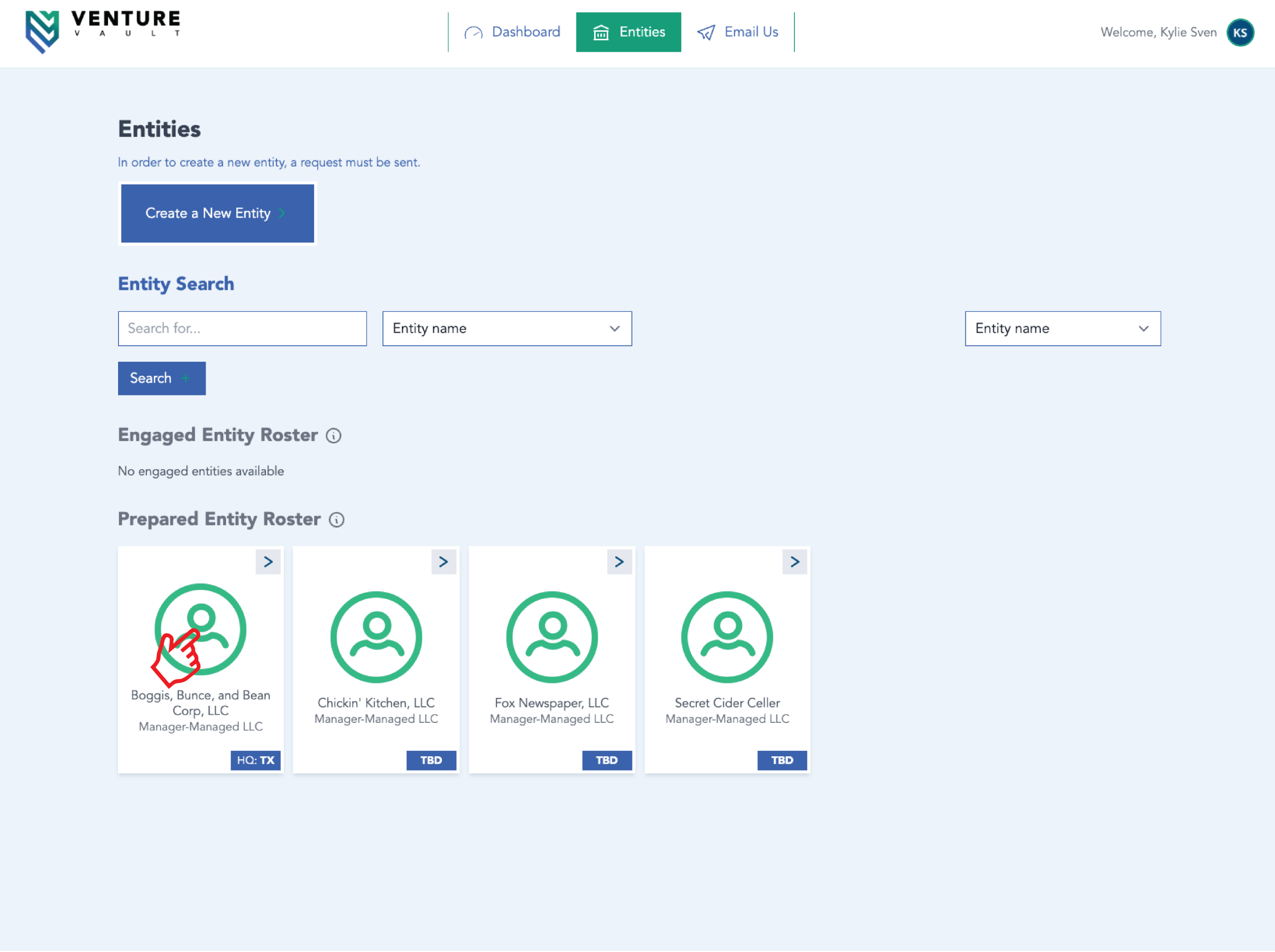
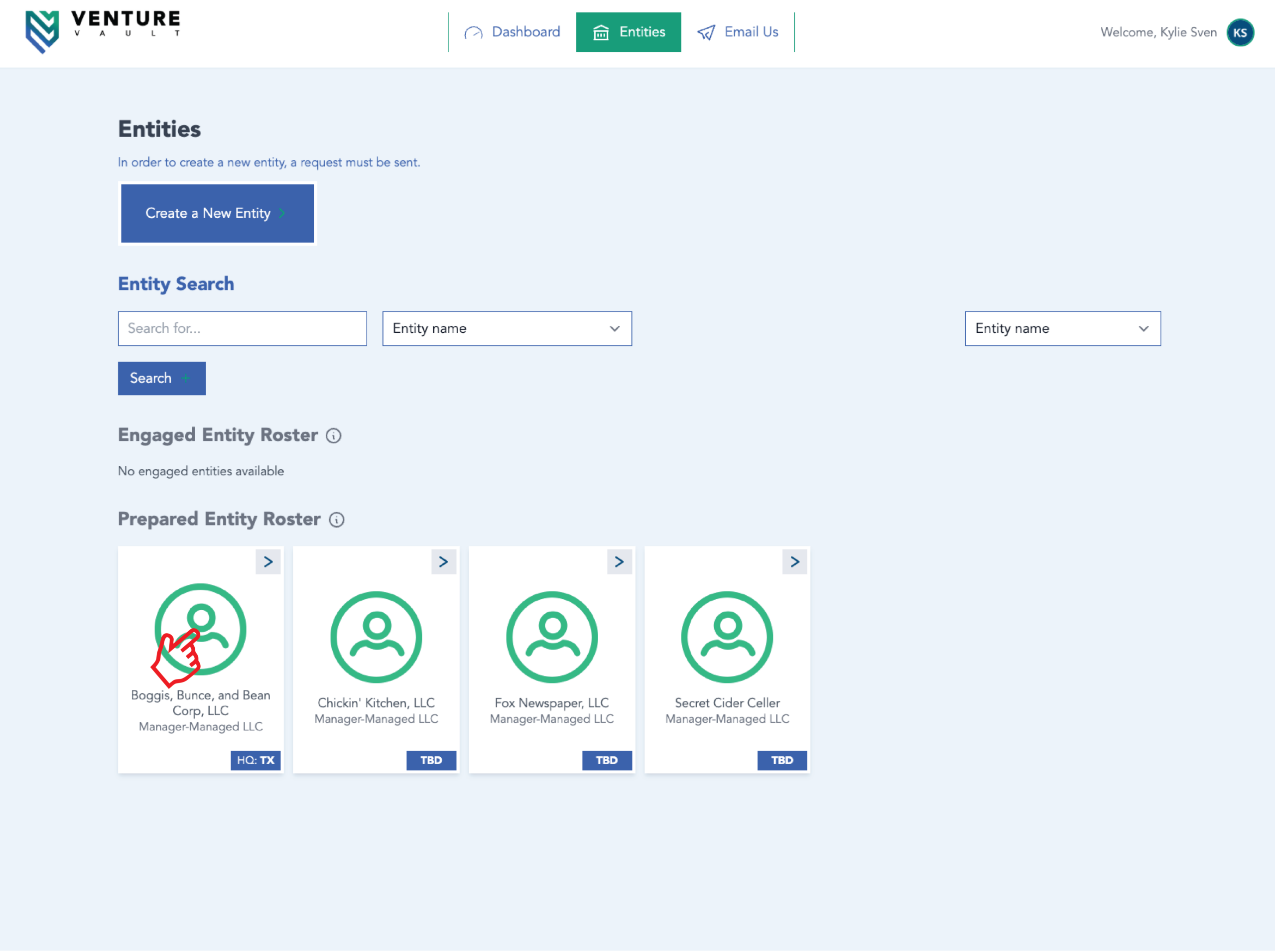
- From there, click the Entity Card for the entity you’d like to add more users to.
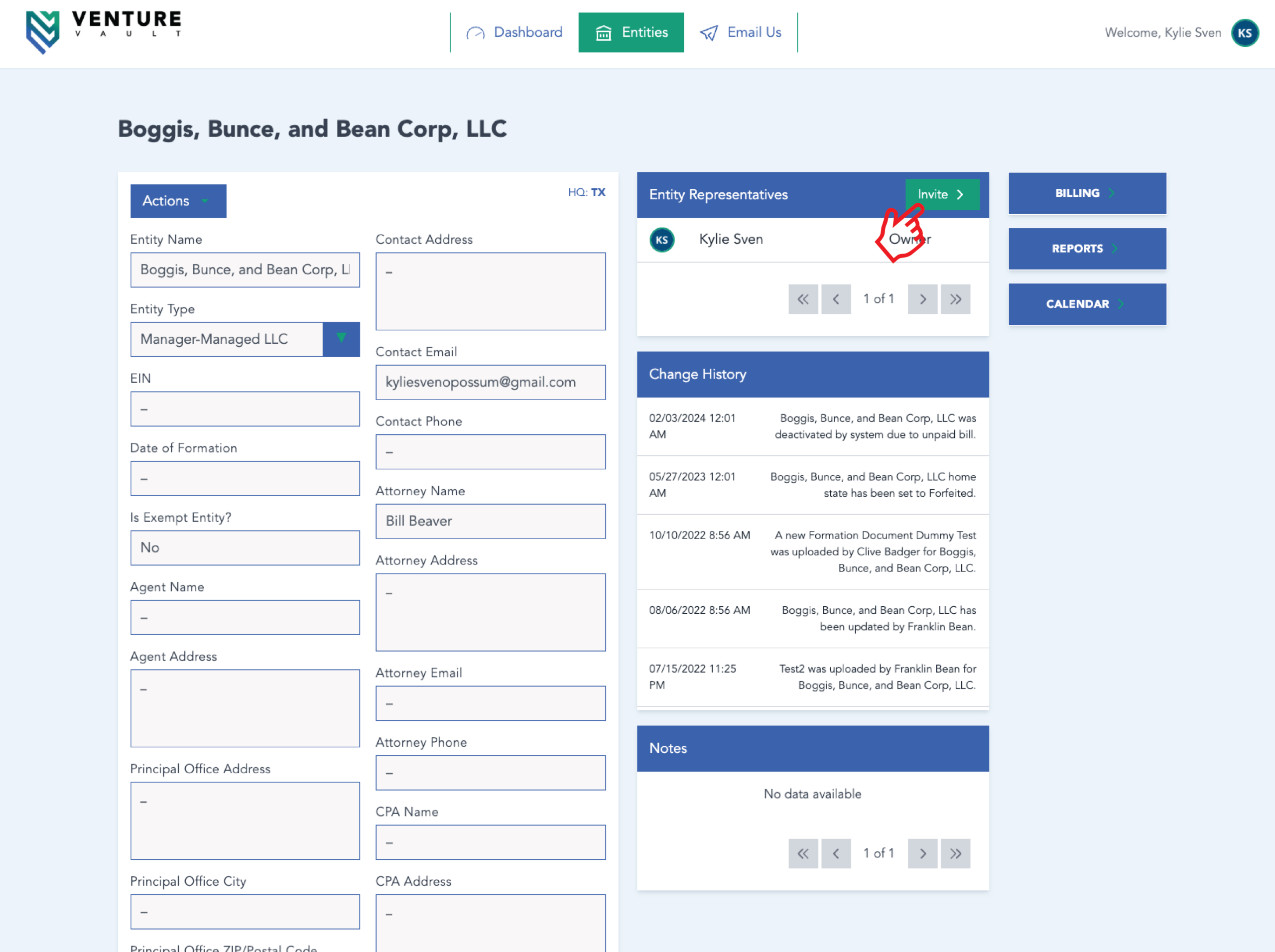
- Once your preferred entity is selected, navigate to the “Entity Representation” card at the top of your screen and click the green box that says “Invite“.
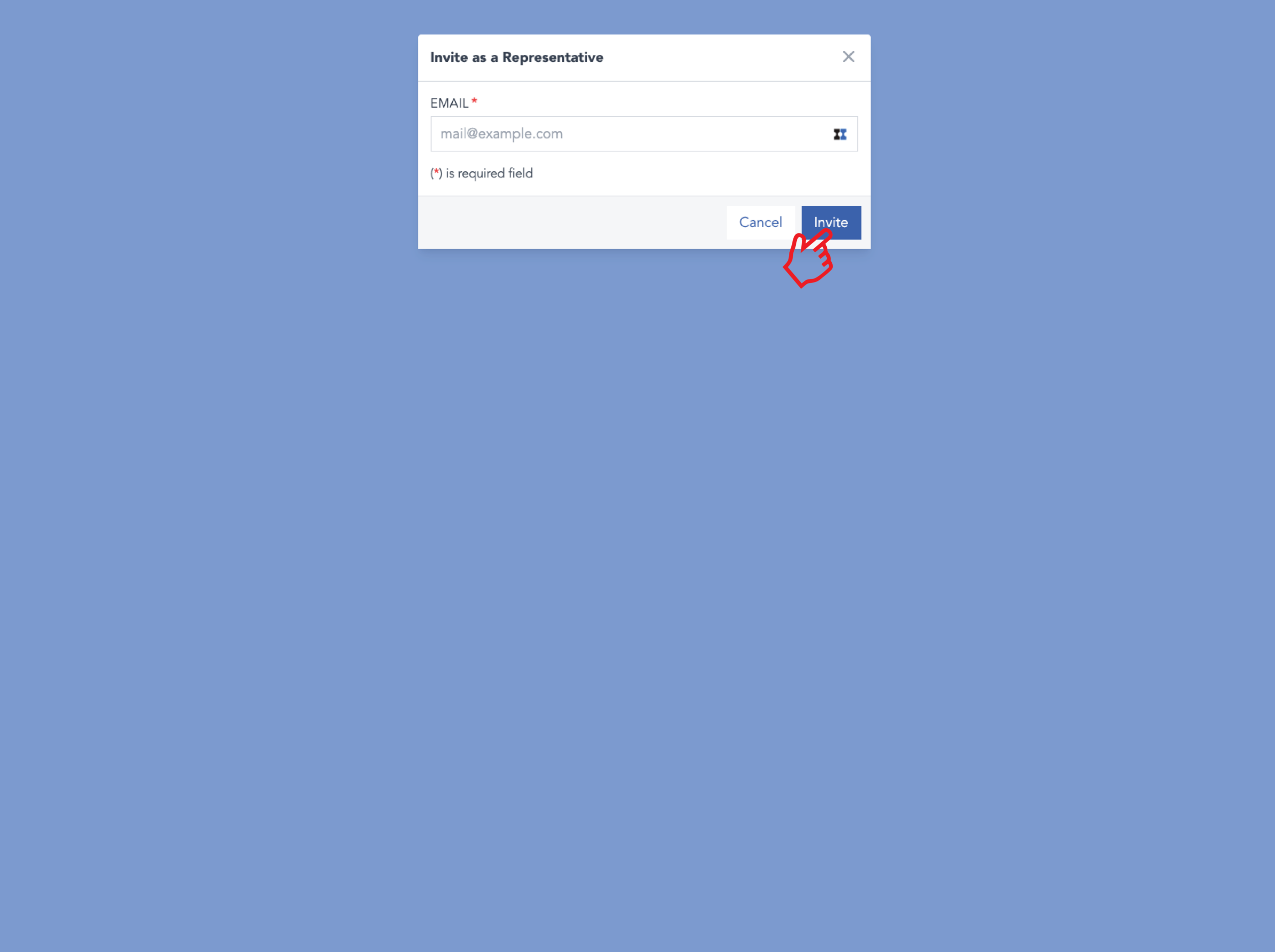
- Once here, you’ll be prompted to input the email of the person you’d like to have access to that entity within your portal. Then, click “invite” and they’ll receive an email with instructions on how to access it.