Never miss a notice (for your CPA).
As your Registered Agent, it’s our job to make sure you never miss a notice. That includes sharing all important information that your CPA may need (Tax-Related) as soon as it arrives. But we need your help to get started – Here’s how:
Via the Venture Vault Portal:
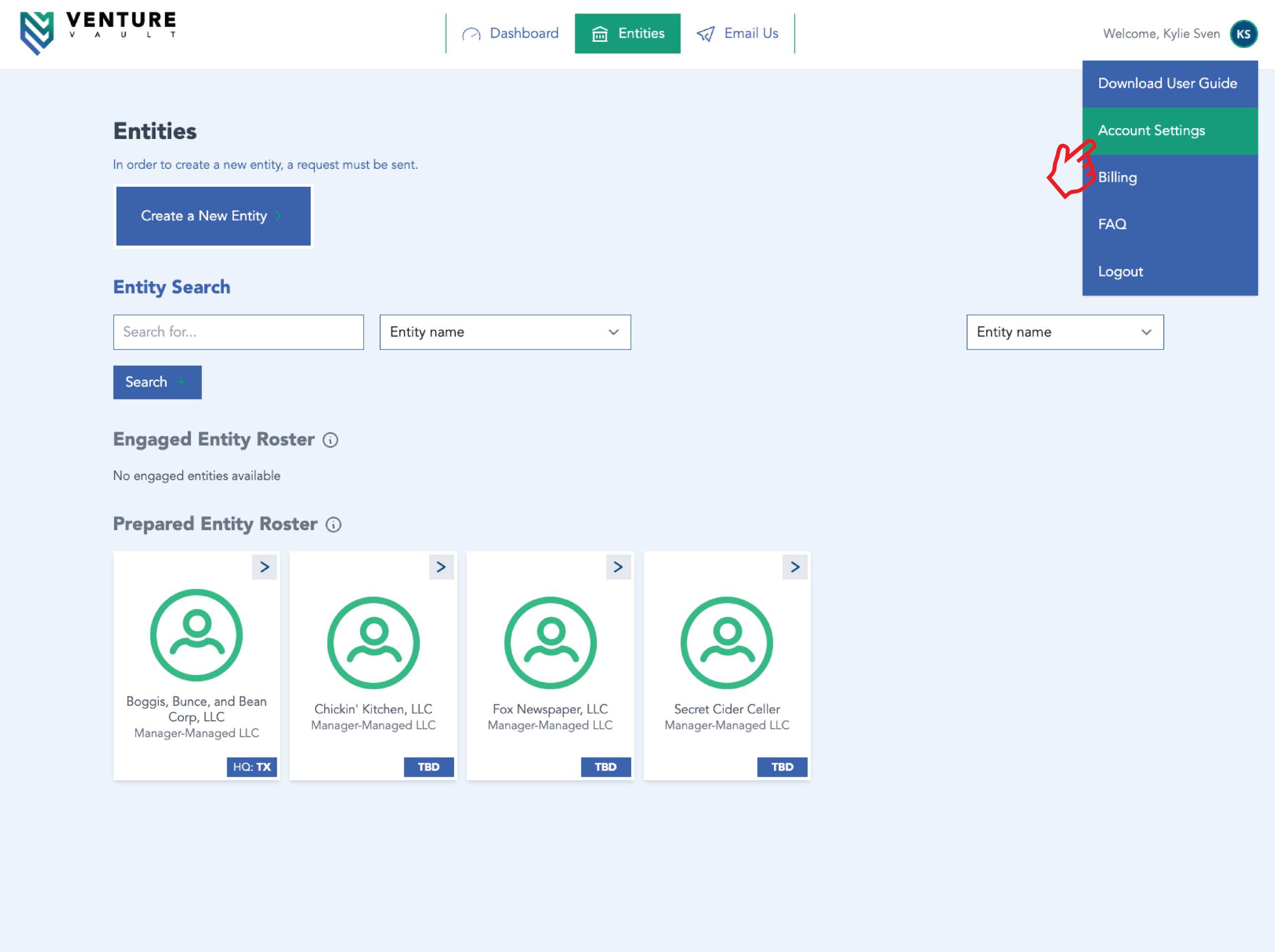
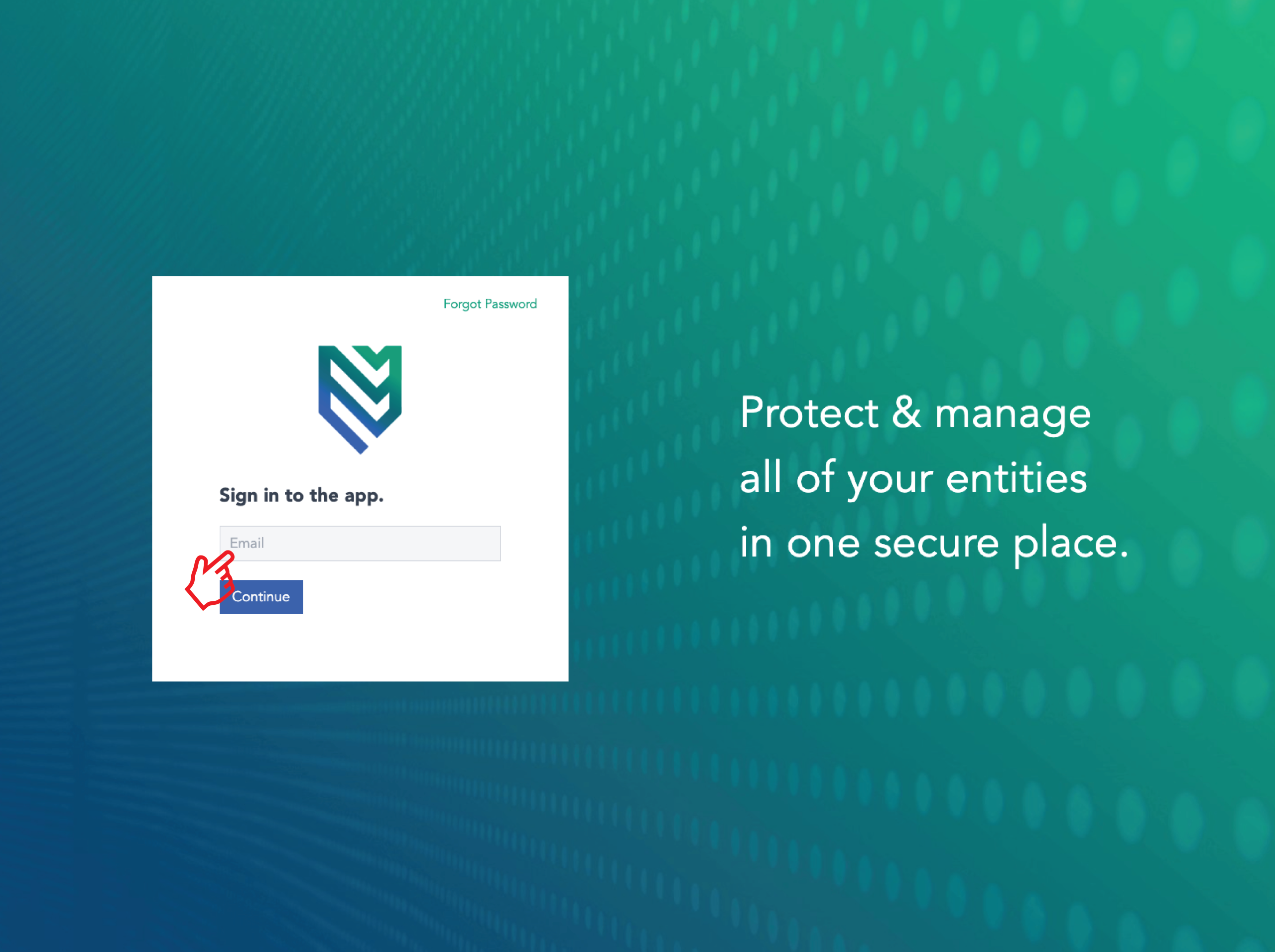
- Login to your Venture Vault portal.
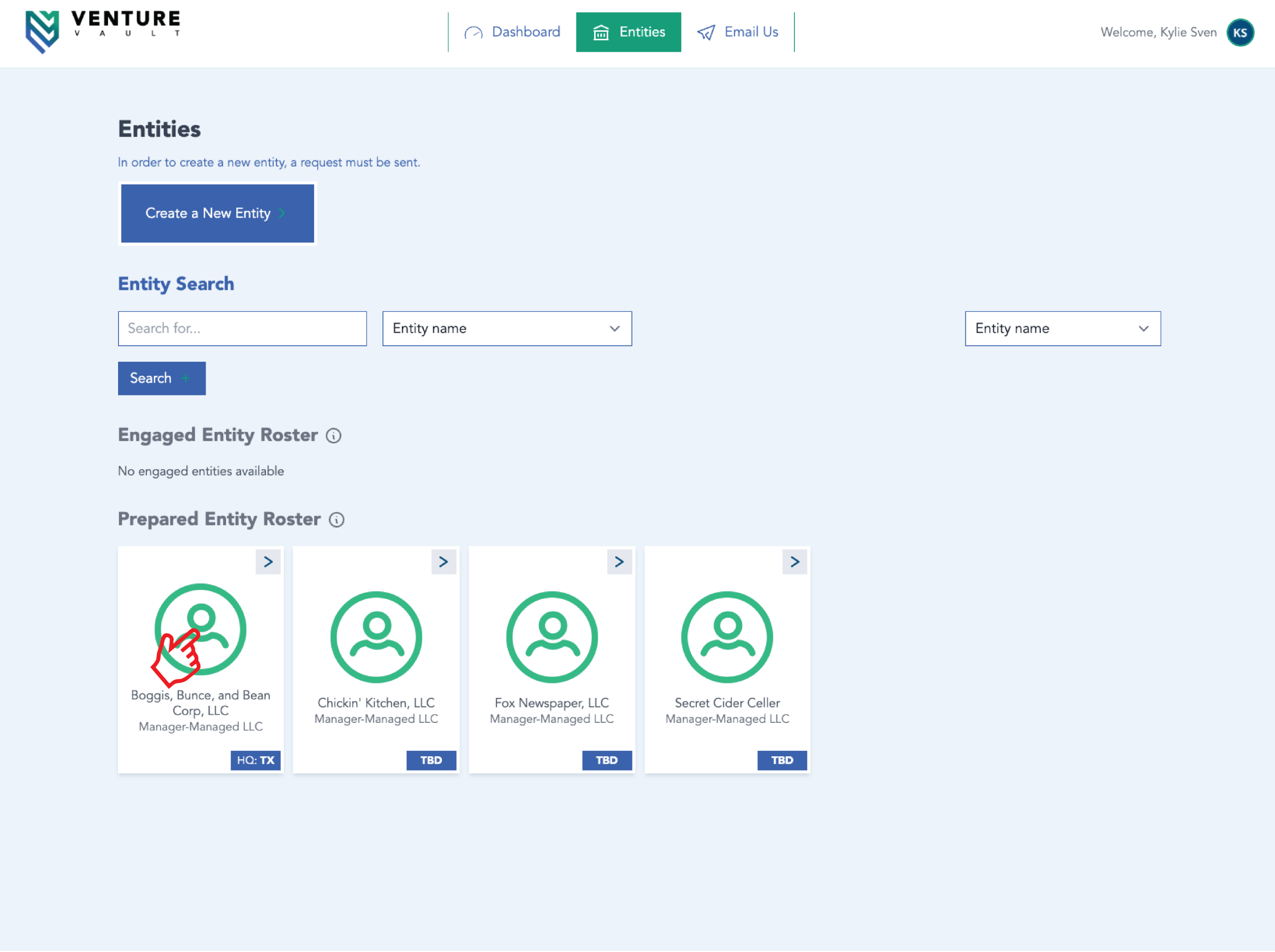
- Click on the Entity you’d like to edit.
- Click “Actions” in the top left corner.
- Click “Make Edit Request” from the dropdown menu.
- Input your CPA’s name (and other contact information you might have) in the appropriate fields.
- Click “Submit Change Request” at the bottom left of your screen.
Via email:
- Send an email to our Admin team with your CPA’s contact information.