How to: Add Users to Your Entity

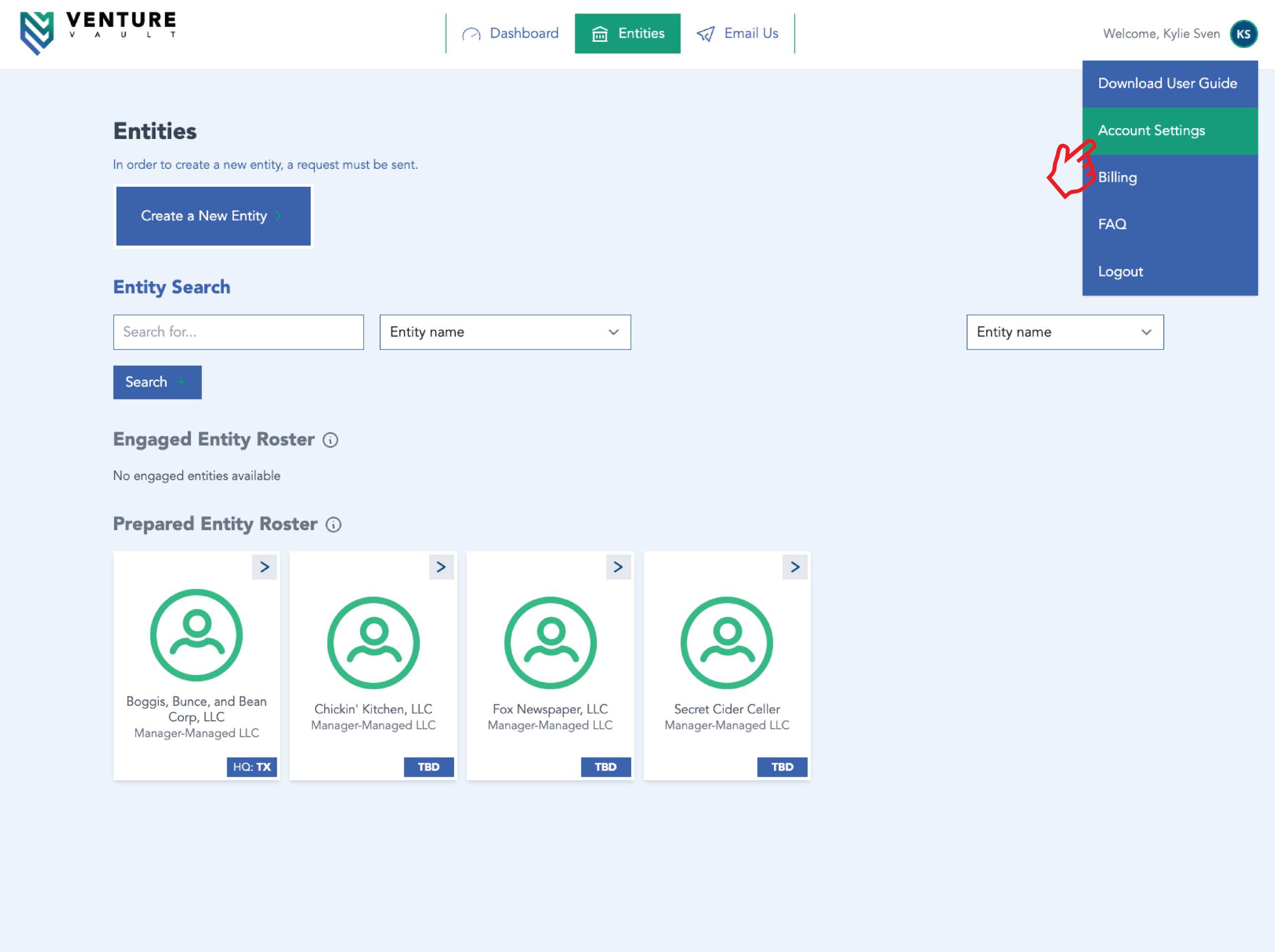
You may authorize additional users (e.g., CPA, partner, assistant) to access your entity.


Attorney and/or CPA Step-by-Step

  1. Log in
  2. Click “Entities”
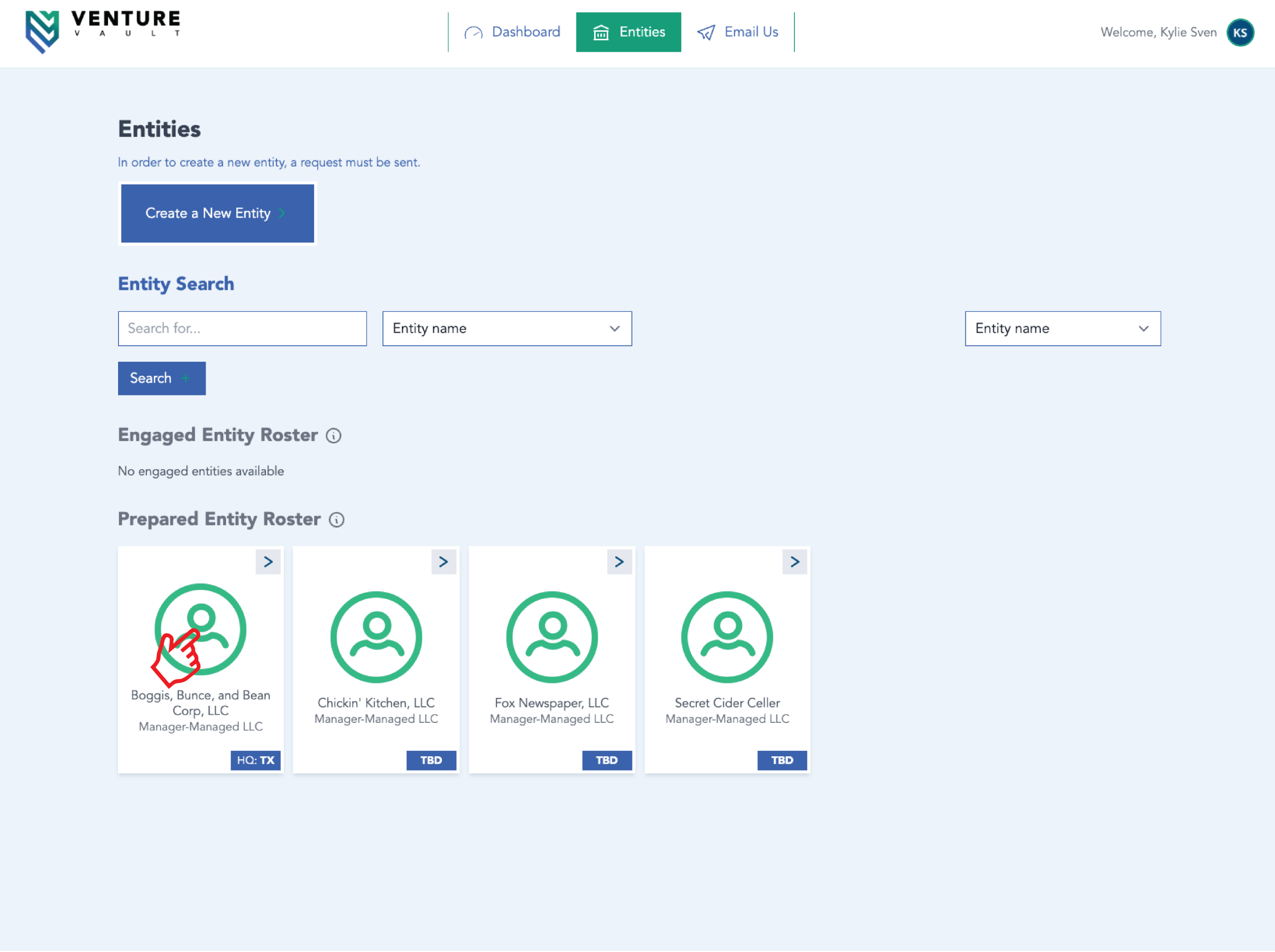
  3. Click entity card of choice
  4. Click “Change Requests”
  5. Click “New Change Request”
  6. Add “Attorney Information” and/or “CPA Information”
  7. Click “Submit Change Request”
  8. Admin at Venture Vault will approve shortly
 

Representative Step-by-Step

  1. Log in
  2. Click “Entities”
  3. Click entity card of choice
  4. Click “Invite” under Entity Representatives
  5. Enter email address
  6. Click “Invite”
  7. User will receive invitation to create account (and then access entity)
 

Important

You are responsible for managing user access. Remove access when no longer needed.   Related Articles
  • Managing Billing Information
  • Uploading Documents

More Articles

Real people, real help for your business

Let’s make entity management easier

We handle the details, you focus on growth. Register today with Venture Vault as your Registered Agent — or book a time to talk with our team and see how we can simplify compliance for you.

Get started with Venture VaultFast, easy, and worry-free

Sign up for Registered Agent services

Our team handles your legal and government correspondence so you can focus on running your business. $150 / year.

Looking for more?

Annual Minutes

$200 / year

VV Full Suite

White-glove service, secure filings, and real-time compliance — all in one portal. $550 / year

VV Premier Suite

White-glove entity management with compliance, secure storage, and real-time monitoring. $550 / year

Book a Time to Talk

Book a Time to Talk
Do you have a CPA?