How to: Upload and Store Documents in Your Entity

Venture Vault allows secure storage and organization of your business documents.

Step-by-Step

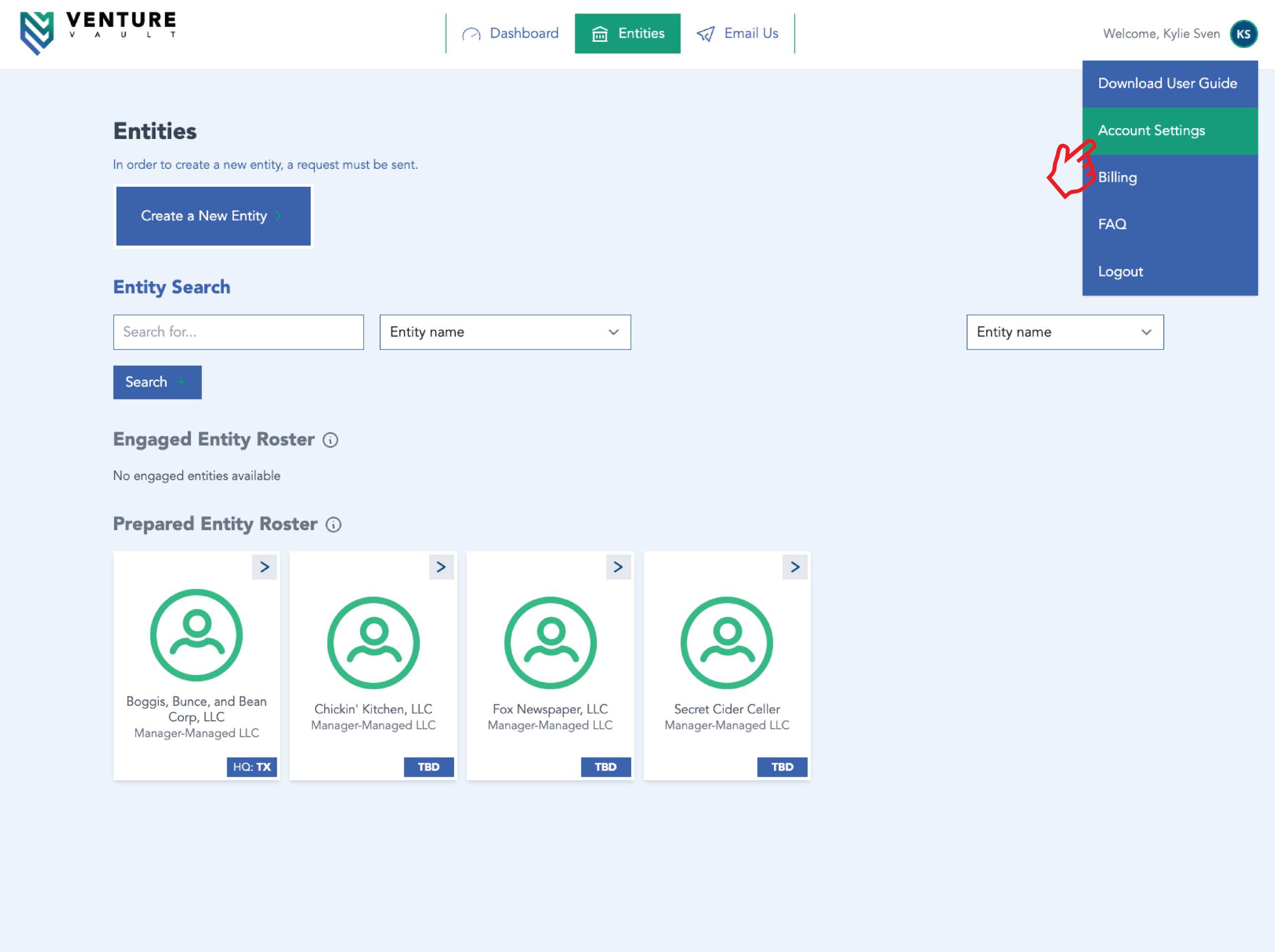
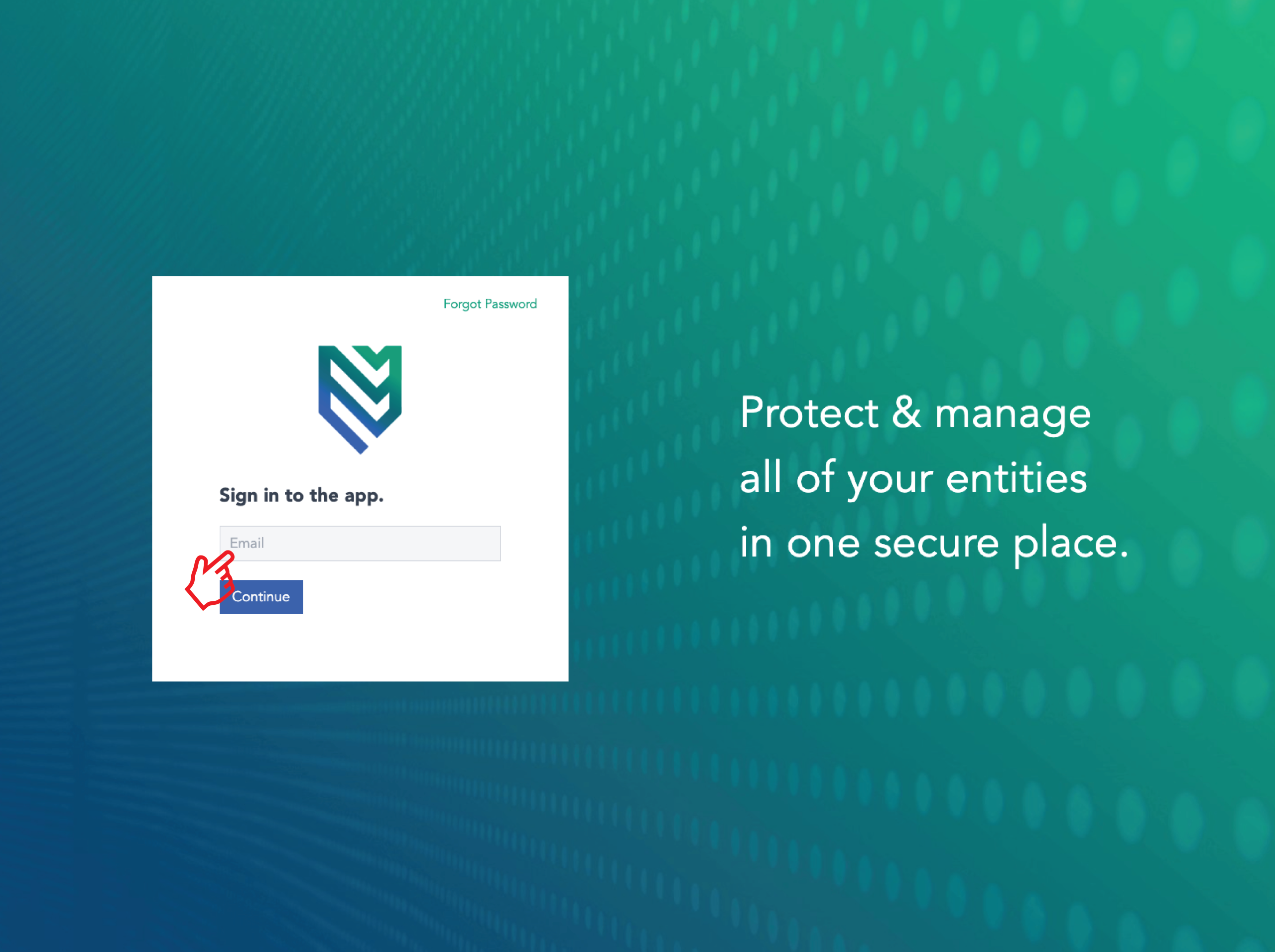
  1. Log in to your
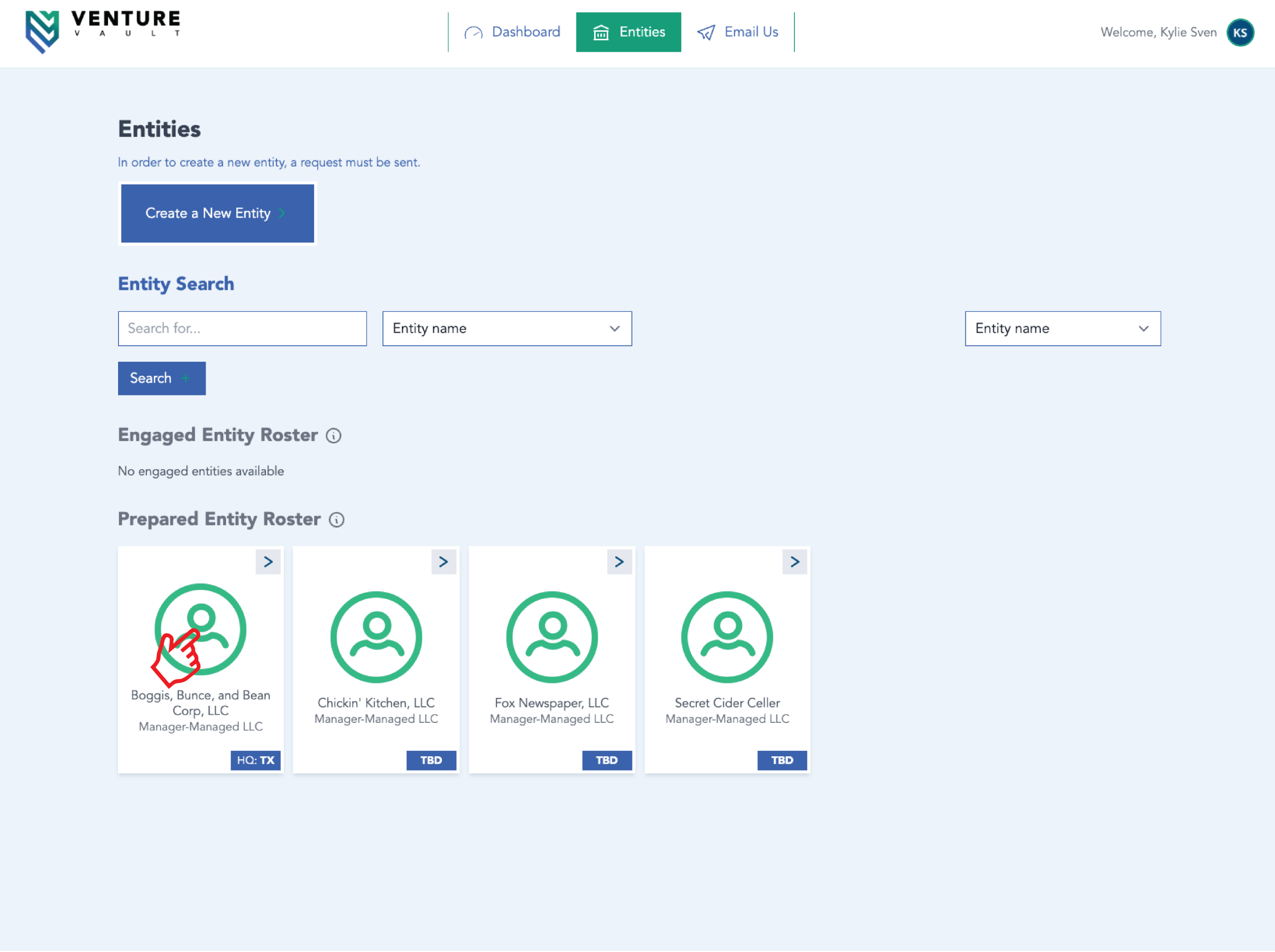
  2. Click “Entities”
  3. Click “Documents”
  4. Click “Upload”
  5. Add document title and description
  6. Save
 

What Can Be Stored

  • Operating agreements
  • EIN letters
  • Tax filings
  • Contracts
  • Government notices
 

Security

Documents are encrypted and accessible only to authorized users.  

Related Articles

  • Add Users to Your Entity
  • Managing Notifications

More Articles

Real people, real help for your business

Let’s make entity management easier

We handle the details, you focus on growth. Register today with Venture Vault as your Registered Agent — or book a time to talk with our team and see how we can simplify compliance for you.

Get started with Venture VaultFast, easy, and worry-free

Sign up for Registered Agent services

Our team handles your legal and government correspondence so you can focus on running your business. $150 / year.

Looking for more?

Annual Minutes

$200 / year

VV Full Suite

White-glove service, secure filings, and real-time compliance — all in one portal. $550 / year

VV Premier Suite

White-glove entity management with compliance, secure storage, and real-time monitoring. $550 / year

Book a Time to Talk

Book a Time to Talk
Do you have a CPA?